
We do photos.
Turn a Photo into a Coloring Page
Updated November 24, 2026
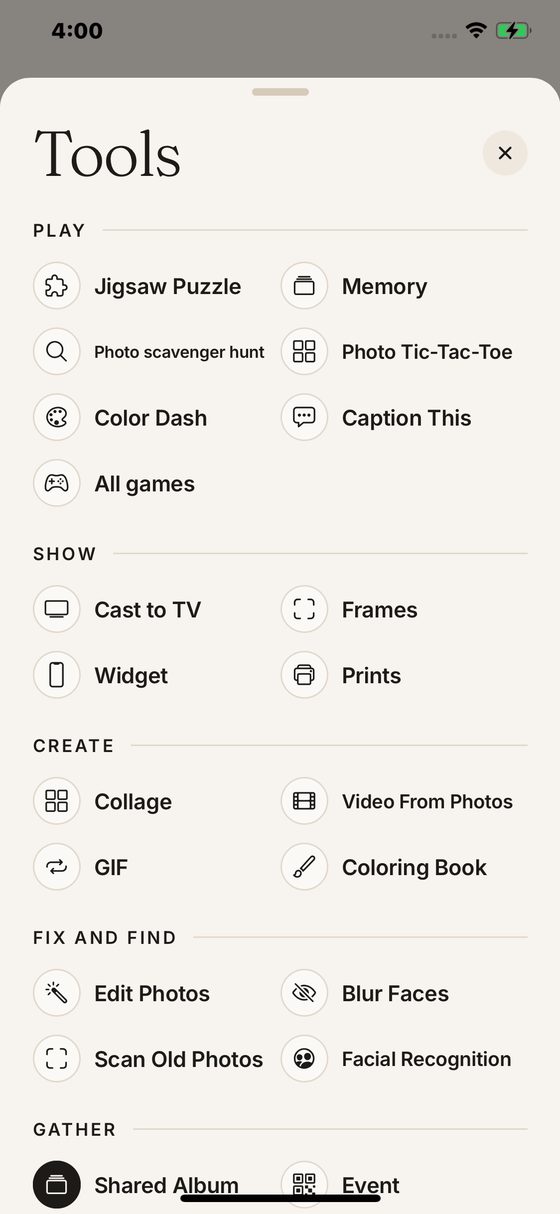
To turn a photo into a coloring page on your phone, open Albumer, tap Tools, then Coloring Book, and choose a photo. Albumer draws a black and white coloring page from it that you can print or save as a PDF. Coloring Book is part of Albumer Basic and Premium, with 10 free pages a month.
How to turn a photo into a coloring page
- Download Albumer from the App Store or Google Play.
- Open Tools and tap Coloring Book.
- Choose a photo and tap Make it.
- Wait a moment while Albumer makes your coloring page.
- Pick Letter or A4 and tap Make the PDF, then print it or send it to a printer. You can also save the page to Albumer.
Not happy with a page? Tap Make it again for a new drawing.
Which photos make the best coloring pages
- One clear subject. A person, a pet or a house in the middle of the photo works best.
- Good light. A bright, sharp photo gives cleaner lines.
- Not too busy. A plain background leaves more room to color.
Ideas for photo coloring pages
- Kids color themselves. Make a page from a photo of your kids, your pet or your house.
- Party favors. Make a page from a birthday photo and hand out copies with crayons.
- A gift for grandparents. Kids color a page of the family and mail it.
- Rainy day. Make a small coloring book of a trip you took together.
- Wedding kids' table. A coloring page of the couple keeps the little guests busy.
Pages and plans
Coloring Book is part of Albumer Basic ($9.99 a year) and Albumer Premium ($29.99 a year). Each comes with 10 free pages a month, which start over every month. If you run out, you can buy more pages in the app, and pages you buy do not expire. US prices.
More you can make from your photos
- Video From Photos. Turn photos and clips into a video with music.
- Collage. Put several photos on one page.
- GIF. Make a moving GIF from photos or a video.
- Jigsaw puzzles. Send a photo as a puzzle someone has to solve.
More guides
Frequently asked questions
How do I turn a photo into a coloring page?
In Albumer, open Tools, tap Coloring Book, choose a photo and tap Make it. Albumer draws a black and white coloring page from your photo that you can print or save as a PDF.
Is it free?
Coloring Book is part of Albumer Basic and Premium, and they come with 10 free pages a month. You can buy more pages in the app, and bought pages do not expire.
How is the coloring page made?
The page is made with AI from the photo you choose. You can make a page again if you want a different drawing.
What size does it print?
Make the PDF in Letter or A4 size, then print it at home or send it to a printer.
Can I make a whole coloring book?
Yes. Make a page from each photo you want, one photo at a time, and save them all to Albumer.
Does it work on iPhone and Android?
Yes. Albumer is the same app on iPhone and Android.
Albumer prices come from the App Store and Google Play, checked November 24, 2026. Prices can change.