Blog

What to do with Albumer if you’re throwing a party

September 22, 2023

  1. Download Albumer.
  2. Throw a party. Tap Events, then New event, and print a QR sign for the table.
  3. Everyone at the party scans it and adds their photos to the Album.
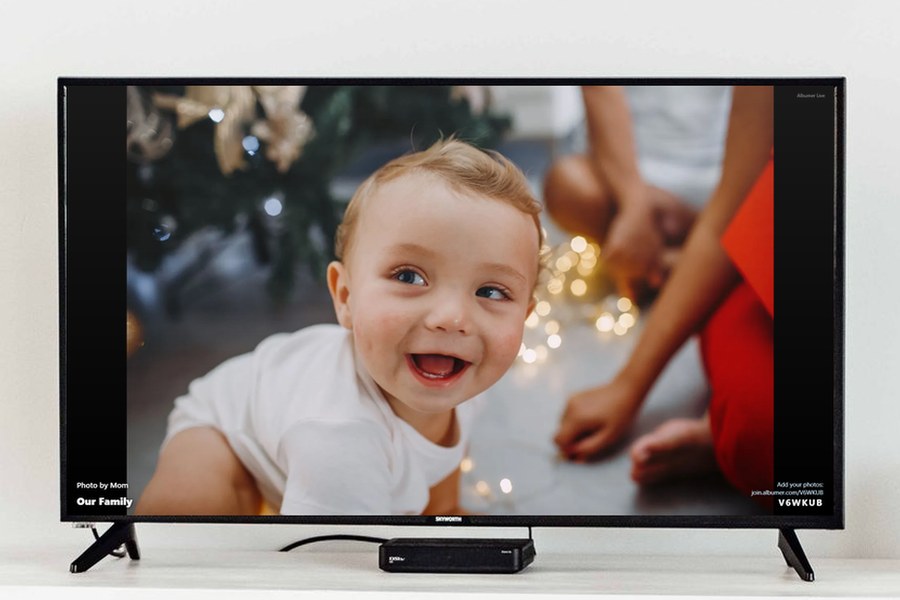
  4. Put the Album on the TV and watch the photos come in.
  5. Bamshockalocka, you done. Now everyone has everyone’s photos.

Blog

;-)

Related Blog

How to Cast Photos to TV from iPhone or Android (Free)

How to Cast Photos to TV from iPhone or Android (Free)

October 10, 2026

Photo Widget App for iPhone and Android: Choose Your Photos and Share with Family

Photo Widget App for iPhone and Android: Choose Your Photos and Share with Family

October 10, 2026

The Complete Guide to Albumer

The Complete Guide to Albumer

August 08, 2026

How to collect everyone's photos at a wedding or party

How to collect everyone’s photos at a wedding or party

August 08, 2026

Stay in touch!

Another question, or simply couldn’t find what you were looking
for? Contact us and we’ll get back to you within 24 hours.