- Download Albumer.
- Fall in love. Get engaged. Plan a wedding.
- Tap Events, then New event, and name it after your wedding.
- Print the QR signs and put them on the tables. Invite your guest list straight from a spreadsheet.
- Make sure everyone takes lots of pictures. Every guest who scans the sign adds their photos to the album.
- Cast the album to the TV at the reception so everyone sees the photos as they come in.
- Bamshockalocka, you done. Now everyone has everyone’s photos of your wedding.

What to do with Albumer if you’re getting married
September 22, 2023
:-)
Related Blog
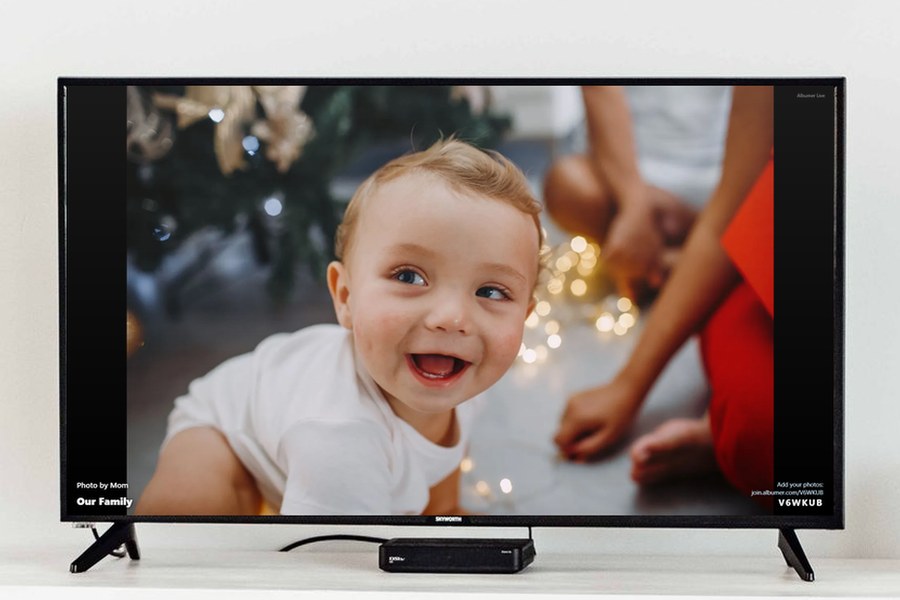
Photo Widget App for iPhone and Android: Choose Your Photos and Share with Family
October 10, 2026