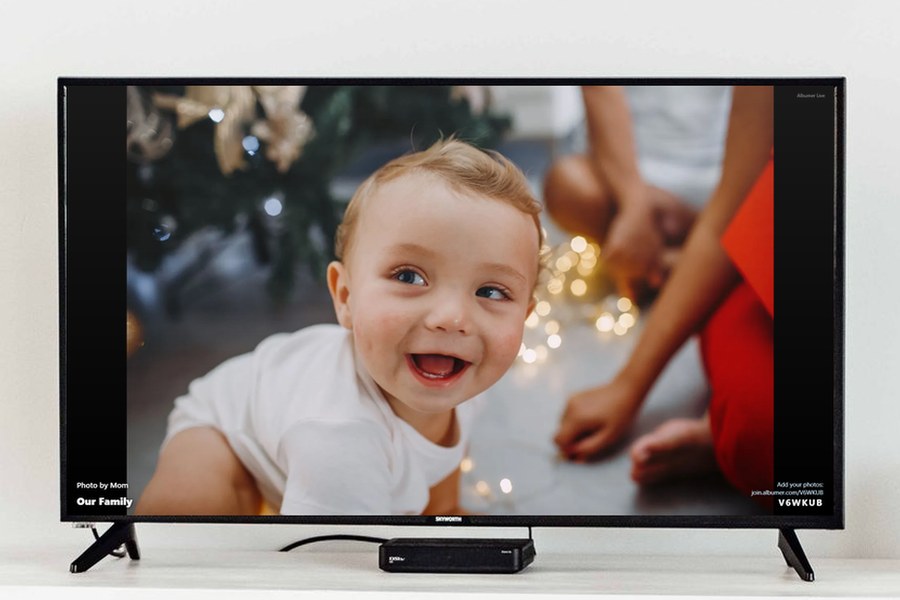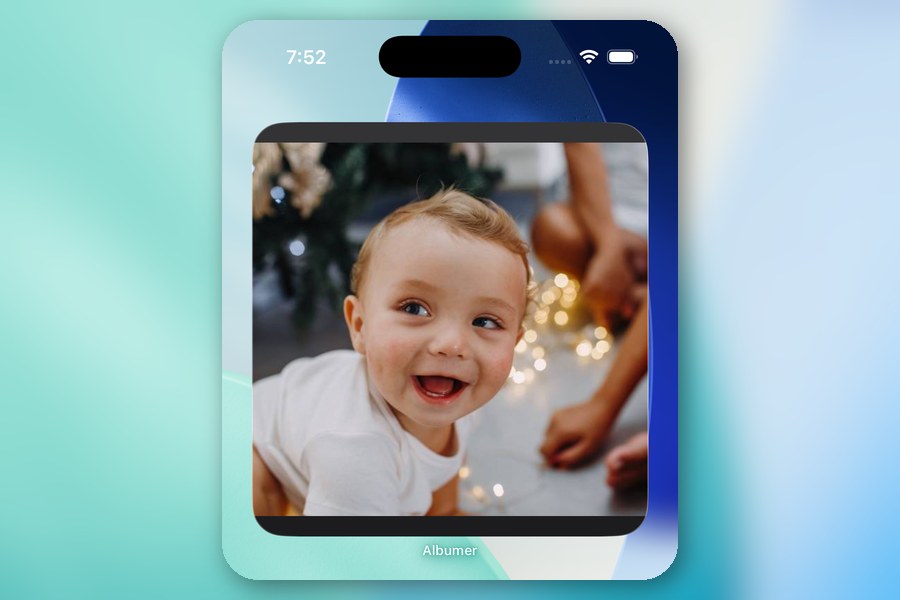
What if your home screen showed your favorite photos all day? The home screen widget is one of Albumer's many features, and it works on iPhone and Android. The best part: point it at an album you share with your family, and the photos they add show up on your home screen too.
Step 1: Download Albumer
It's free on the App Store and Google Play.
Step 2: Add the widget to your home screen
On iPhone:
- Go to your home screen and press and hold an empty spot until the icons wiggle.
- Tap Edit in the top corner, then Add Widget. (On older iPhones, tap the + in the corner.)
- Search for Albumer and tap it.
- Swipe to pick a size, small, medium or large, and tap Add Widget. Then tap Done.
On Android:
- Press and hold an empty spot on your home screen.
- Tap Widgets.
- Scroll to Albumer, then press and hold the widget and drag it where you want it.
- Drag the corners to make it bigger or smaller.
Step 3: Pick what it plays
Tap the widget. Albumer opens on the Widget page. Tap the album or folder you want, and your widget starts showing those photos, changing to a new one about every 30 minutes.
Choose exactly which photos show
Want only the best ones? In any album, press and hold a photo and tap Show in my widget. It goes into a list called My widget picks. Then pick My widget picks on the Widget page.
Share it with family
This is where Albumer's widget is different. Set up the widget on Grandma's phone and point it at the family album. Every time someone adds a new photo of the grandkids, it shows up right on her home screen. Nobody has to send her anything.
Change it or turn it off
Open the Widget page from the Home screen and tap a different album, or tap Widget off.
Albumer also organizes your photos into folders, casts slideshows to your TV, sends photos to digital photo frames, prints at Walgreens, and has photo games for family and friends. Download Albumer free on the App Store and Google Play.