Every wedding ends the same way. Forty people took photos. You got six of them. The best picture of the entire day is sitting on your cousin's phone and you will never, ever see it, because chasing forty people for photos is a second job nobody wants.
So set it up before the day instead.
Make the album first
- Tap Events on Home, then New event.
- Name it and tap Create.
- Your event's QR code appears straight away.
Print the signs
This is the bit that does the actual work while you're busy getting married.
- Tap Print signs and table cards.
- Pick a shape: wall poster, table cards, or tent cards.
- Pick a theme: Elegant, Party, Spooky, Classic, Floral, Rustic, Retro or Festive.
- Write your own headline, host line and message, or leave ours alone.
- Check the preview, then print it or save a PDF.
Which one to use. A wall poster is one big page for the door or the gift table. Table cards come four to a sheet, so you cut them up and put one on every table. Tent cards fold over and stand up on their own, which is handy when there's nothing to lean them against.
Every sign carries the code and the join link. And all eight themes still read fine in black and white, which matters at 7am on the morning of the wedding when the color cartridge is dry and nowhere is open.
Invite the guest list
Tap Next: invite your guests, then By email or list. Paste the guest list from your wedding website or a spreadsheet, or pick the file, and Albumer invites everyone at once.
On the day
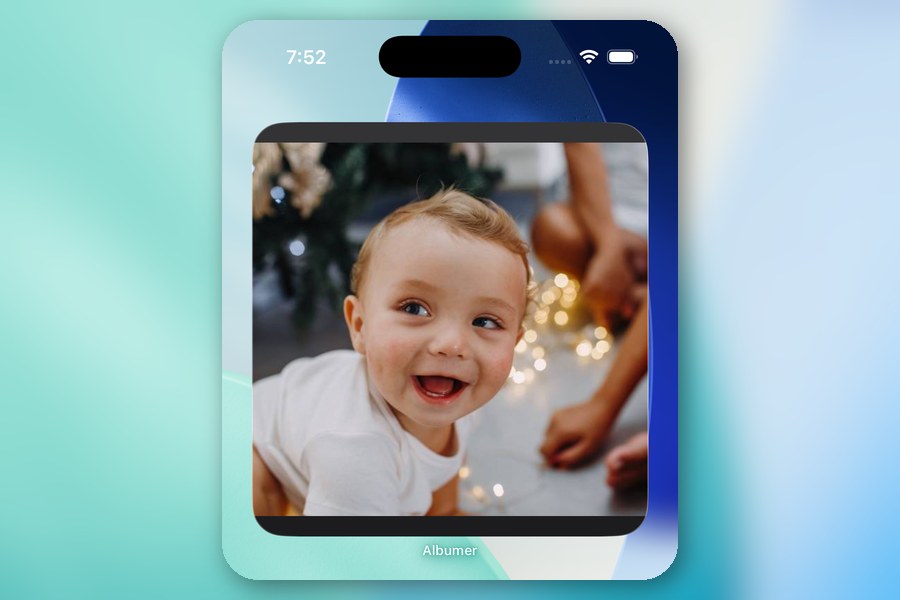
Guests point their camera at the code and land on the join page. They install the free app and they're in, as a member who can see the album and add to it.
Know this before you print anything: there's no browser upload. Everyone needs the app. The join page sends them straight to it. Nobody is adding photos from a phone browser, so don't promise Auntie Sue she can.
Put it on the big screen
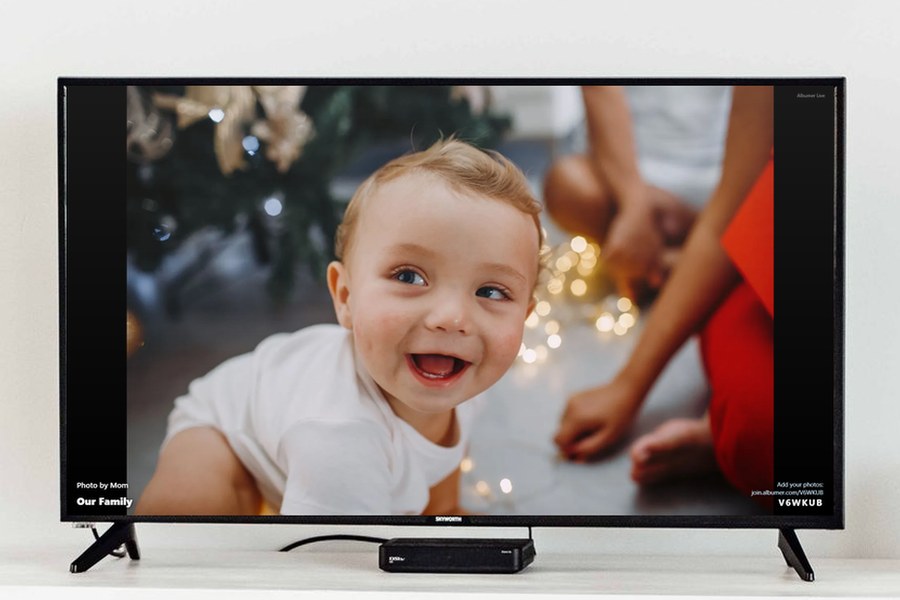
On your TV, open the web browser and go to join.albumer.com/tv. It shows a six-character code. In Albumer, tap Cast to TV, type the code, and pick an album or folder. The slideshow updates on its own as people add photos, and new ones jump to the front. Your phone isn't streaming anything, so put it away. To end it, tap Stop on the Cast to TV screen, or just close it on the TV.
Watch what happens to your upload rate once people spot themselves on the big screen. Nothing motivates a guest like being on TV.
Get them talking, too
Open the album and tap the microphone button. Anyone in the album taps Record a voice note, lets it use the microphone, says their piece, then saves. Tap any note to play it back.
It's the guest book, except people actually do this one, and you get to hear your uncle's speech again without the two hours around it.
The morning after
The album is already full. You didn't ask anybody for anything.
- If it's enormous, make folders inside it. One for the ceremony, one for the meal, one for whatever happened after midnight.
- Memories will bring these back to you on the anniversary every year, based on when the photos were actually taken rather than when they got uploaded.
- Anyone can hit Save album to phone and pull the whole thing into their own camera roll. Guests included. It's their day too.
If you want a hand running it
Tap a member and choose Make Admin. Admins can invite and remove members, make and arrange folders, set the cover and open the QR code.
They can't make anybody else an Admin, so there's no chain reaction where your cousin promotes six of his buddies. Only you hand out the badge, and you can take it back whenever you like.
When the party's over, open the album's menu and choose Stop new joins from QR codes.