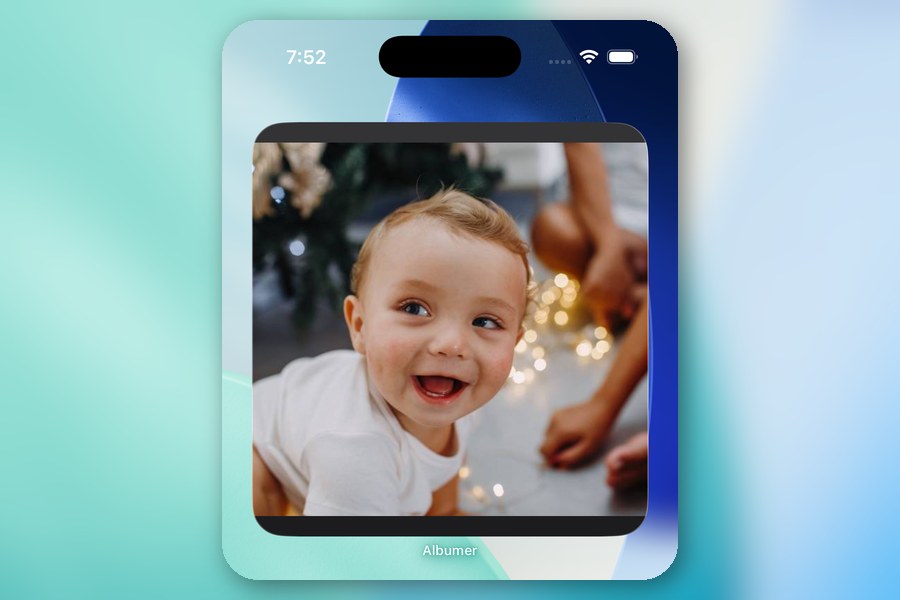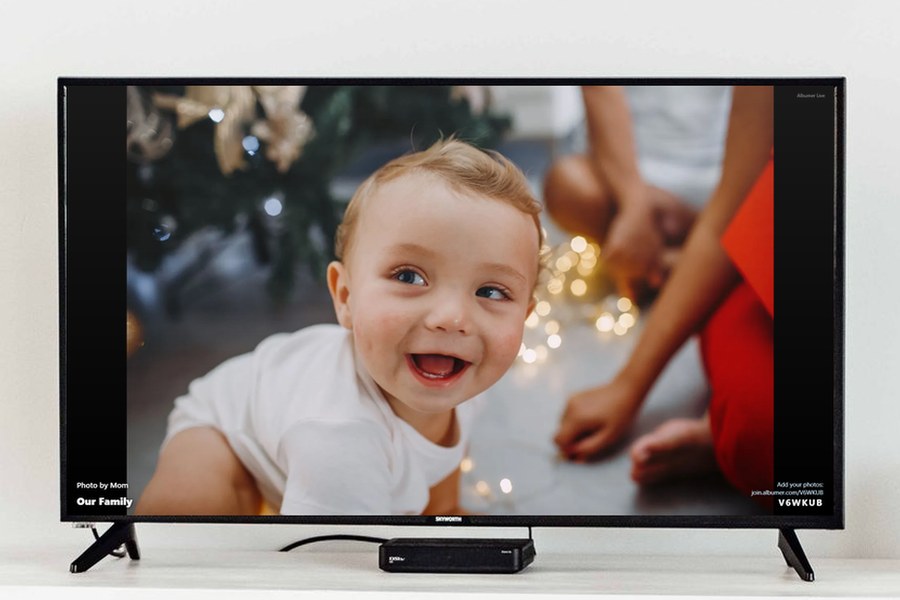
Want your family photos playing on the big screen? Casting your photos to your TV is one of Albumer's many features, and it works from an iPhone or an Android phone, for free.
Unlike screen mirroring, nothing streams from your phone. The TV plays the album by itself, so you can take calls, text, or put your phone away, and the slideshow keeps going.
What you need
- Albumer, free on the App Store and Google Play.
- A TV with a web browser. Most smart TVs have one, like Samsung and LG. A laptop hooked up to the TV works too.
Step 1: Open the TV page
On your TV, open the web browser and go to join.albumer.com/tv. The TV shows a six-character code. The code lasts 20 minutes, so if it runs out, the page shows a fresh one.
Step 2: Type the code into Albumer
On your phone, open Albumer and tap Cast to TV on the Home screen. Type the code from the TV.
Step 3: Pick what plays
Choose an album, or just one folder inside it. Tap Connect to TV. A moment later your photos fill the screen.
What it does on the TV
- Photos change every six seconds, with a soft fade between them.
- Videos play all the way through. They start silent; press any button on the remote to turn the sound on.
- Each photo shows who took it.
- New photos jump the line. When anyone in the album adds a photo, it shows up next on the TV, so a party slideshow keeps filling up as guests take pictures.
How to stop it
Tap Cast to TV in Albumer. Under Playing on your TVs, tap Stop, or Stop all. The TV shows "This slideshow has ended." You can also just close the page on the TV.
Ideas
- Holidays: put the family album on the TV while everyone's over, and let Grandma watch the new photos arrive.
- Weddings and parties: make an event, print the QR sign for the tables, and cast the album to the venue's screen. Guests see their own photos on the big screen within moments of taking them.
- Birthdays and reunions: dig out the old album and let it play in the background.
Albumer also organizes your photos into folders, puts a photo widget on your phone's home screen, sends photos to digital photo frames, prints at Walgreens, and has photo games for family and friends. Download Albumer free on the App Store and Google Play.