An album nobody else can see is just a folder on your phone. You already had one of those. The whole point is getting other people in there, and there are three ways to do it.
Good news first: you can invite anyone. They don't need an Albumer account already, and once they're in, they can add their own photos. They're not just spectators.
Inviting people
Open an album you own and tap Add Members (it's Add guests on an event).
You get one list: people already On Albumer, who are added straight away, and Your contacts, who get a text from your own phone with the invite in it. Tick everyone you want and tap Add N people.
Got a long list? Tap By email or list and paste a list of email addresses, or pick a spreadsheet, and Albumer invites everyone at once. Save it as a guest list and you can invite the same people to the next album in one tap.
Hold up a QR code
For a room full of people, forget typing anything.
- Open your album and tap the QR icon at the top of the album.
- Tap Create QR Code.
- Show it on your screen, or print it and put it on the table.
- Guests point their camera at it and land on the join page.
Everyone who scans becomes a member who can see the album and add to it. You can also have Albumer print you proper signs for it, posters and table cards, in eight themes.
Read out a code
Sometimes you're on the phone to someone who is not going to scan anything.
- On the Albums screen, tap the key icon.
- Type the code.
- Tap Join Album.
What they can do once they're in
The owner decides what members can do. Open the album's menu and choose What members can do to turn adding photos, likes, comments and voice notes on or off for everyone else.
By default, anyone in the album can look at the photos and videos, add their own, comment, like, leave a voice note in the Voice Guestbook, write in the Journal, see who else is in there, and save the whole lot to their own phone.
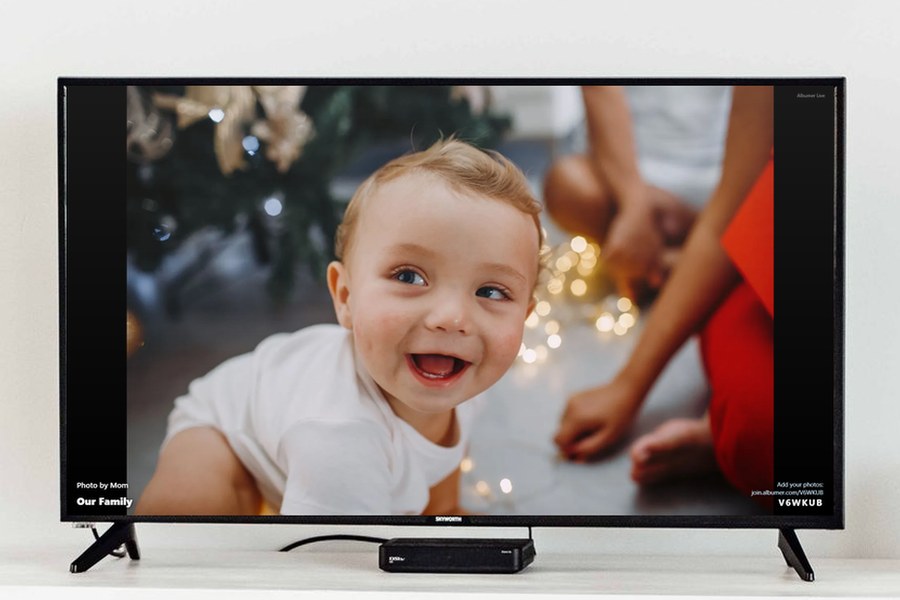
The owner, and any Admins the owner picks, can make and arrange folders, set the cover photo, invite and remove people, and open the QR code. Only the owner can rename the album, cast it to a TV, hook up a photo frame, make Admins, or delete the album.
One thing to know before the big day
Your guests need the free app. There's no adding photos from a web browser, so the join page sends everyone to install it first. Better to know that now than to find out with forty people standing around holding phones.