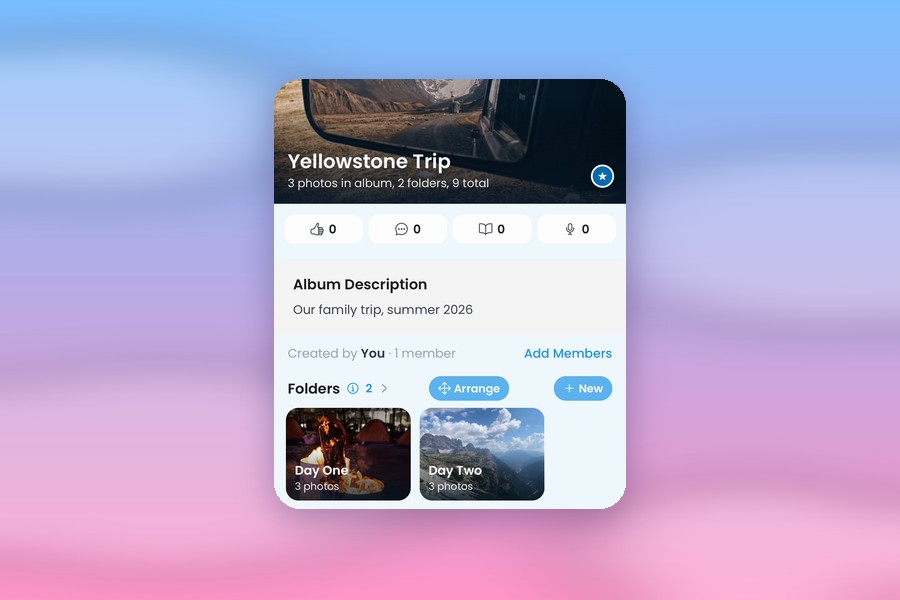
Albumer gives your photos a proper home: organized your way, stored at full size, and easy to share with the people who were there. Organizing and storing photos is one of Albumer's many features, and it's free. Here's how it works.
Store your photos at full size
Every Albumer account comes with 5 GB of free storage. Your photos are kept at full resolution, exactly as your camera took them, never cropped or shrunk. Want to fit more? Turn on Space Saver in Profile, Photo Quality. It saves a smaller file but keeps the full resolution, so you fit about twice as many photos. Original stays the default.
Need more room? Albumer Premium gives you 50 GB and full-length videos, with no ads.
Your photos go wherever you go
Everything you put in Albumer is stored online. Get a new phone, or switch from iPhone to Android, sign in to Albumer, and every album is right where you left it.
Organize with albums and folders
Make an album for each part of your life: Family, Summer Vacation, Soccer Season, Our Wedding. Inside each one, make folders: one for each day of a trip, each game of the season, or each part of the wedding day. Tap Arrange to drag your folders into any order.
Move photos where they belong
Press and hold a photo, tap Select photos, pick as many as you want, and tap Move. Send them to a folder, a brand-new folder, or a different album.
Find anything fast
On the Albums screen:
- Search your albums by name.
- Filter to My Albums, Shared with Me, Puzzles or Favorites.
- Sort by newest, oldest, A to Z, most photos, or recently added to, or choose Custom and drag your albums into your own order.
- Tap the star on the albums you open most, and they stay at the top.
- Pinch to make the tiles bigger or smaller.
Add photos the easy way
- Pick hundreds at once from your photo library.
- Share photos to Albumer straight from your phone's gallery.
- Albumer spots recent photos on your phone that aren't in an album yet and offers to add them.
- Add the same photo twice by accident? Albumer catches it and asks before adding it again.
Remember the story behind the photos
Every album and folder has a Journal. Write down what was happening, who was there, and what was so funny. And Memories shows you photos taken on this day in earlier years, right at the top of your Albums screen.
Get everything back, any time
Open any album and save the whole thing to your phone at full size. It's your stuff, and it's yours to take whenever you want.
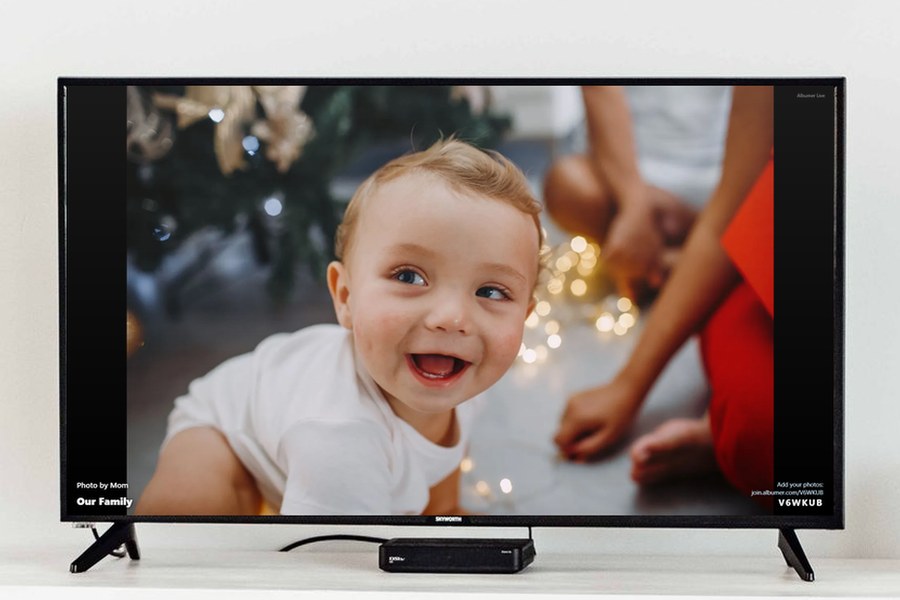
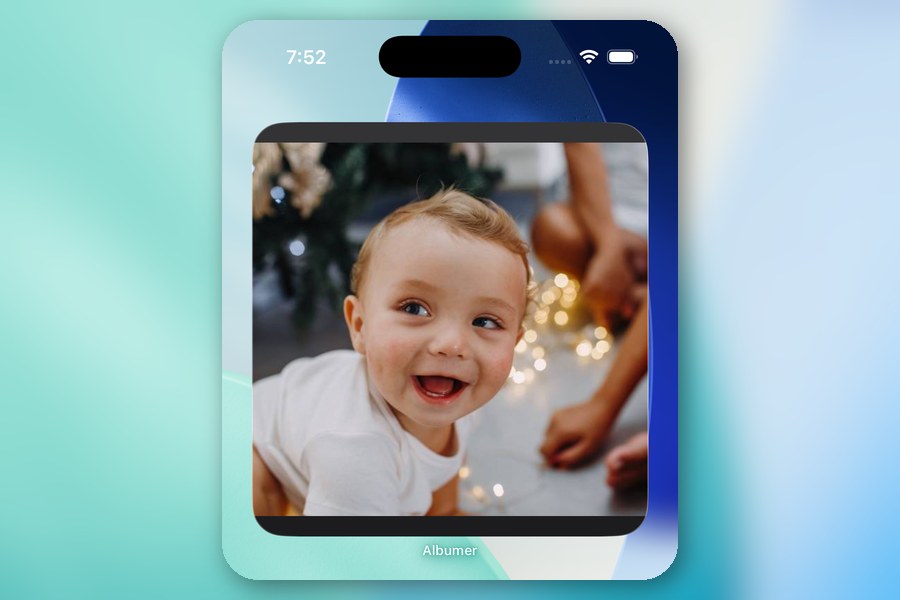
Albumer also lets you share albums with the people who were there, cast slideshows to your TV, put a photo widget on your home screen, send photos to digital photo frames, print at Walgreens, and play photo games with family and friends. Download Albumer free on the App Store and Google Play.