POV is a digital disposable camera: guests join from a QR code without downloading an app, the host sets how many shots each guest gets, and photos can reveal the next day. Albumer is a free shared album app for iPhone and Android, with optional paid plans from $9.99 a year: everyone gets the free app, adds full-size photos and videos with no shot limit, and albums don't expire. A 100-guest wedding costs $0 on Albumer and $34.99 on POV, and Albumer also includes QR signs in 8 themes, cast to TV, photo games, Walgreens prints and a home screen widget.
Albumer and POV at a glance
| Albumer | POV | |
|---|---|---|
| What it is | Shared album app for iPhone and Android | Digital disposable camera for events |
| How guests join | Scan the event QR code or tap an invite, then install the free app | Scan a QR code or tap a link. App Clip on iPhone, web on Android, no download needed |
| Photos per guest | No shot limit | The host sets how many photos each guest can take |
| When photos appear | Right away, as guests add them | During the event or the next day, the host's choice |
| Plans | Free: $0, 5 GB per account, videos up to 3 minutes, with ads. Optional paid plans, billed yearly: Basic $9.99 a year with 50 GB, or Premium $29.99 a year with 200 GB. Both: videos up to 35 minutes, no ads | Free for events up to 10 guests, then a one-time price per event by guest count (POV pricing page) |
| A 100-guest wedding | $0, nothing to pay per event | $34.99 one time |
| A 250-guest wedding | $0, no guest cap to pay to lift | $89.99 one time |
| QR signs | Wall poster, table cards and tent cards in 8 themes | Ready-to-print QR code templates, or design your own |
| Photos on a TV | Cast to TV from any TV with a web browser, included | Live slideshow is part of an optional paid add-on on POV's pricing calculator |
| Printed keepsakes | Walgreens prints ordered in the app | A custom-designed 6x9" softcover POV Photobook |
How POV works
POV turns every guest's phone into a disposable camera for your event. For a personal event, the host makes the event in the POV app for iPhone or Android, and POV creates a QR code and a link. Guests join with an App Clip on iPhone or a web page on Android, so they don't install anything. The host picks a style, how many photos each guest can take, and when the photos reveal, and can review and delete guest photos at any time. POV also sells a wooden POV Block that opens the event when a phone is held over it, and a printed photobook made from the event.
How Albumer works
In Albumer, tap Events, then New event, and your event QR code appears. Print it as a poster, table cards or tent cards, or invite your whole guest list at once by email. Guests scan the code, install the free app and join as members who can see the album and add to it. Every photo and video stays at the size it was taken, whatever phone took it, and everyone sees new photos as soon as they land.
Everyone gets the app, so the album keeps working
With Albumer, guests scan your QR code and install the free app for iPhone or Android. There is no browser upload, so let guests know on your sign that it's a quick free download. The upside: every guest has the album on their own phone. Photos from the after-party, the brunch and the honeymoon land in the same album, nobody has to find a link again, and albums do not expire.
Pick POV if
- You love the disposable camera feel: a limited roll per guest and a big reveal.
- You want guests to join without installing an app.
- You'd like a photobook designed for you after the event.
Pick Albumer if
- You want every photo at full size with no shot limit.
- You want to pay $0 for the wedding, whatever your guest count, with Basic or Premium there if you ever want more storage.
- You want to cast to TV, send photos to a digital frame and order Walgreens prints from the same album.
- You want the album to keep going after the wedding, with photo games along the way.
Albumer Free, Basic and Premium
| Albumer Free | Albumer Basic (optional) | Albumer Premium (optional) | |
|---|---|---|---|
| Price | $0 | $9.99 a year | $29.99 a year (same on iPhone and Android) |
| Storage | 5 GB per account | 50 GB (about 25,000 photos) | 200 GB (about 100,000 photos) |
| Videos | Up to 3 minutes each | Up to 35 minutes each | Up to 35 minutes each |
| Ads | With ads | No ads | No ads |
| Per-event fees | None | None | None |
Every guest gets their own free account, so a wedding costs the couple nothing: nothing to pay per event, no guest cap you have to pay to lift, and albums don't expire. Basic and Premium are optional, for the account holder who wants more storage, longer videos and no ads.
More you can do with Albumer
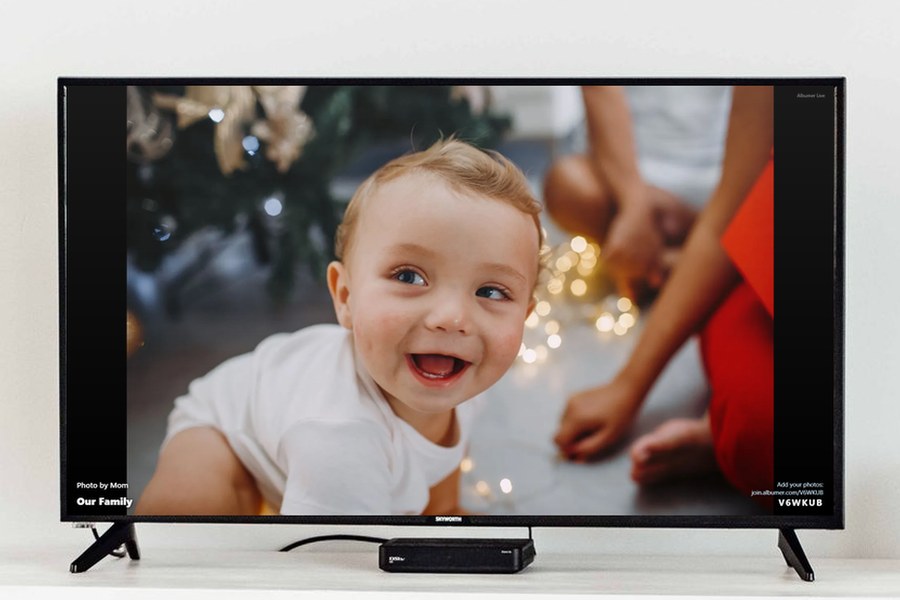
- Cast to TV. Open join.albumer.com/tv on any TV with a web browser, type the code into Albumer, and the album plays. New photos show up as guests add them.
- Printable QR signs. A wall poster, table cards or tent cards, in eight themes: Elegant, Party, Spooky, Classic, Floral, Rustic, Retro and Festive.
- Photo frames. Send an album to a digital frame that has its own email address, like Aura or Skylight.
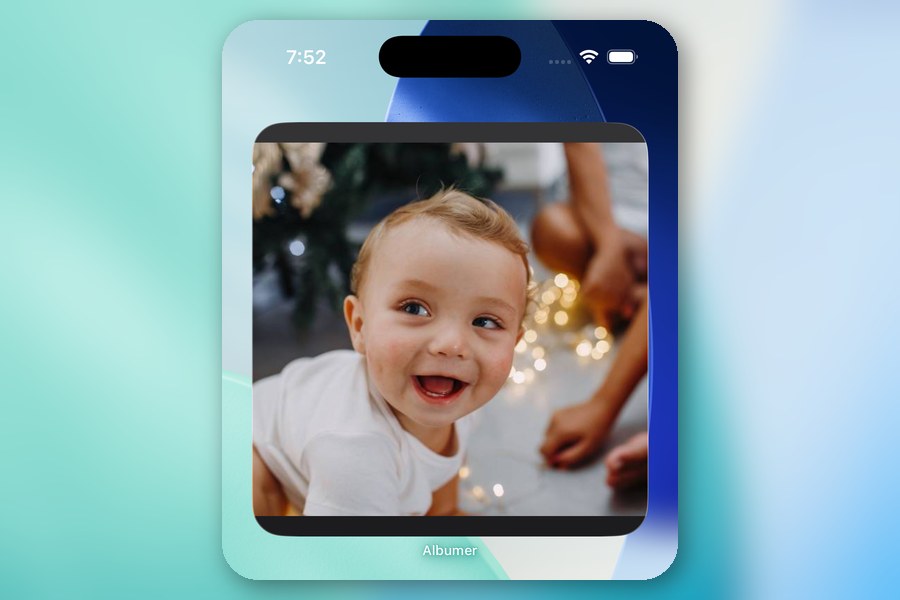
- Home screen widget. The newest photos from an album you pick, right on your phone's home screen.
- Walgreens prints. Pick photos, choose sizes and order prints in the app, then pick them up at your Walgreens.
- Folders. One for the ceremony, one for dinner, one for the dance floor.
- Photo games. A photo scavenger hunt, Color Dash, Caption This, Photo Tic-Tac-Toe, photo puzzles and memory games.
- English, Spanish and Portuguese.
More comparisons
Frequently asked questions
Is Albumer free?
Yes. Albumer Free costs $0: 5 GB of storage per account, videos up to 3 minutes each, with ads. Every guest gets their own free account, so there is nothing to pay per event and no guest cap to pay to lift. Paid plans are optional and billed once a year: Albumer Basic is $9.99 a year with 50 GB of storage (about 25,000 photos), and Albumer Premium is $29.99 a year with 200 GB (about 100,000 photos). Both have videos up to 35 minutes each and no ads.
Do guests need to download Albumer?
Yes. Guests scan your QR code, install the free app for iPhone or Android, and join the album. Because everyone has the app, the album keeps working after the event.
Do guests need to download POV?
No. According to POV, guests join with an App Clip on iPhone or a web experience on Android. The host uses the POV app to set up a personal event.
How much does POV cost?
On POV's pricing page (checked October 28, 2026), personal events are free for up to 10 guests, then $4.99 for up to 25, $14.99 for up to 50, $34.99 for up to 100, $64.99 for up to 175 and $89.99 for up to 250. Larger events contact POV. Check pov.camera/pricing for current prices.
Is Albumer cheaper than POV?
For most weddings, yes. A wedding on Albumer Free costs $0 at any guest count. On POV's pricing page, a 100-guest event is $34.99 and a 250-guest event is $89.99, one time. Albumer's paid plans, if you want one, are $9.99 or $29.99 a year, not per event.
Is Albumer a disposable camera app?
No. Albumer has no shot limit and no reveal wait. Photos and videos appear in the album as soon as guests add them, and they stay at full size.
POV details come from pov.camera, pov.camera/pricing and the POV App Store listing, checked October 28, 2026. Prices and features can change, so check their site before you decide.